
Data breaches happen to companies of every size, and the passwords taken in them are often collected and reused by attackers on other websites. Checking whether a password has appeared in a known breach is a quick way to find out whether you need to change it.
Why leaked passwords are dangerous
When a service is breached, attackers may try the leaked email and password combinations on banking, shopping, email and social media sites. This is called credential stuffing. It works because many people reuse the same password in more than one place. A single leak can therefore put several accounts at risk.
How to check a password safely
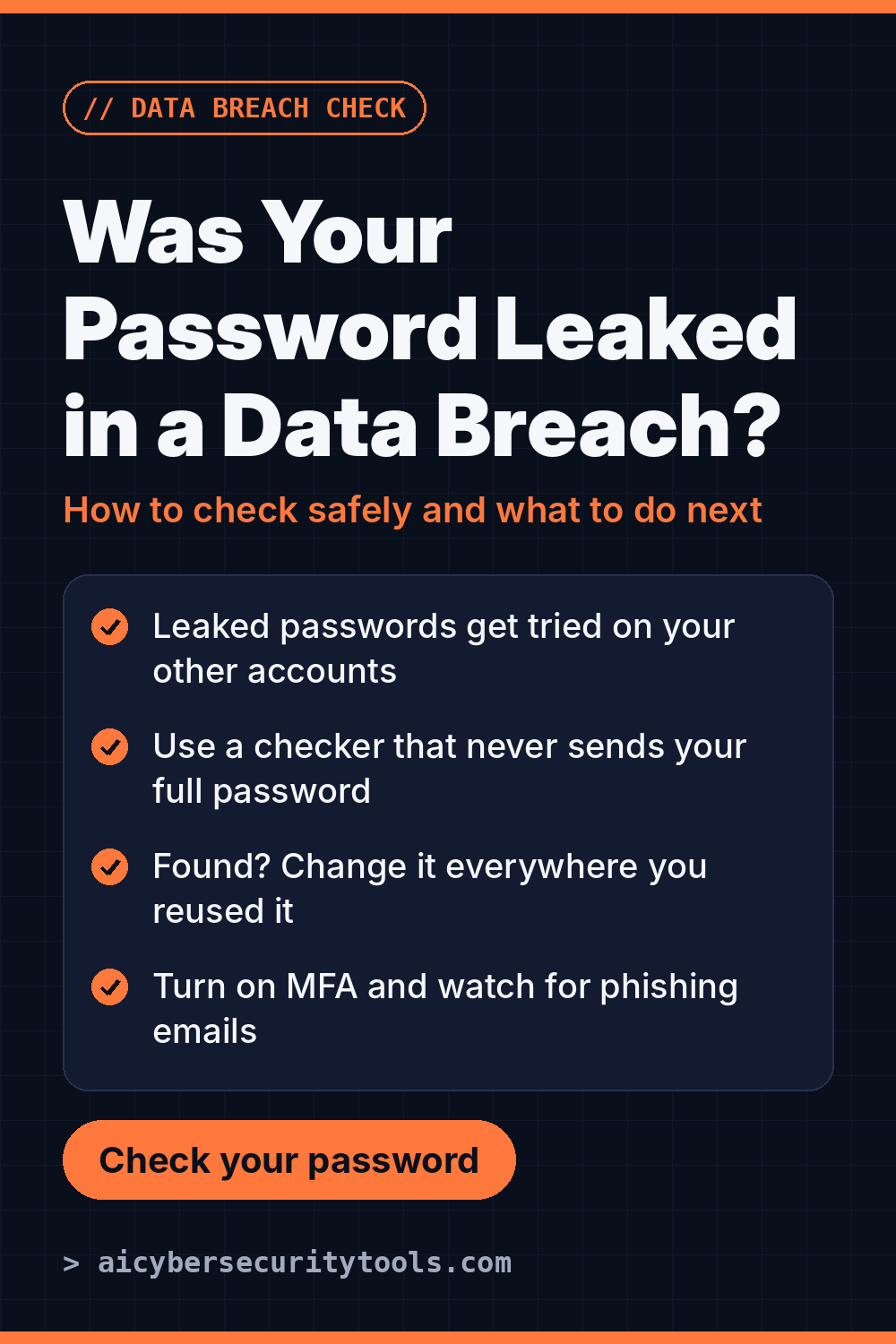
You should never type a real password into a website you do not trust. Safe breach-checking services use a technique called k-anonymity. Your browser creates a cryptographic hash of the password, sends only the first few characters of that hash, and compares the matching results locally. The full password is never transmitted.
Our free Password Breach Checker uses this approach, and our Password Strength Checker gives a basic review of length and variety. As with any online tool, only check a password you are comfortable testing, and prefer checking an old password rather than one you currently rely on for your most important accounts.
What to do if a password was found in a breach
- Change it now on the real website or app, using a device you trust.
- Change it everywhere you reused it. Start with email, banking and shopping accounts.
- Use a new, unique password for each account. Our Password Generator can create a long random one, and a password manager can remember it for you.
- Turn on multi-factor authentication, ideally with a passkey or authenticator app. See What Is Multi-Factor Authentication?
- Watch for phishing. After a breach, attackers often send convincing messages. Our guide to spotting a phishing email explains what to look for.
How to avoid the problem next time
- Use a different password for every account.
- Store passwords in a reputable password manager rather than a notes file or spreadsheet.
- Check your important accounts for unfamiliar sign-ins and devices from time to time.
- Delete accounts you no longer use, since each one is another place your details could leak from.
Frequently asked questions
Does “not found” mean my password is safe?
Not necessarily. It only means the password does not appear in the breach data the service knows about. A short or guessable password can still be unsafe, so keep using long, unique passwords.
How often should I check?
Check whenever a service you use announces a breach, and review your most important passwords a few times a year.
Related reading: if more than a password was exposed, read what to do after a data breach and how to freeze your credit.
This guide is general information. Follow each service’s own instructions when recovering an account.